
Stop searching for materials and 3D assets. Start creating
Access a curated Twinmotion User Library built to help you find the right asset faster and stay focused on your project.
- 3,000+ ready-to-use assets for Twinmotion
- 3D models, PBR materials and environment presets
- Carefully selected, organized and optimized
- 20–50 new assets added every week


10.000+ pros are already
rendering faster with the library.
- 3,000+ assets included
- Built for Twinmotion
- 20–50 NEW ASSETS EVERY WEEK
- Cancel anytime
SAME PROJECT. A COMPLETELY DIFFERENT RESULT
See what the right assets can do to your scene
The lighting, camera position and location are exactly the same. The only difference is the asset library. Compare a scene created with standard Twinmotion content with the same project enhanced using carefully selected models, materials and vegetation from the Twinmotion Guru Library.
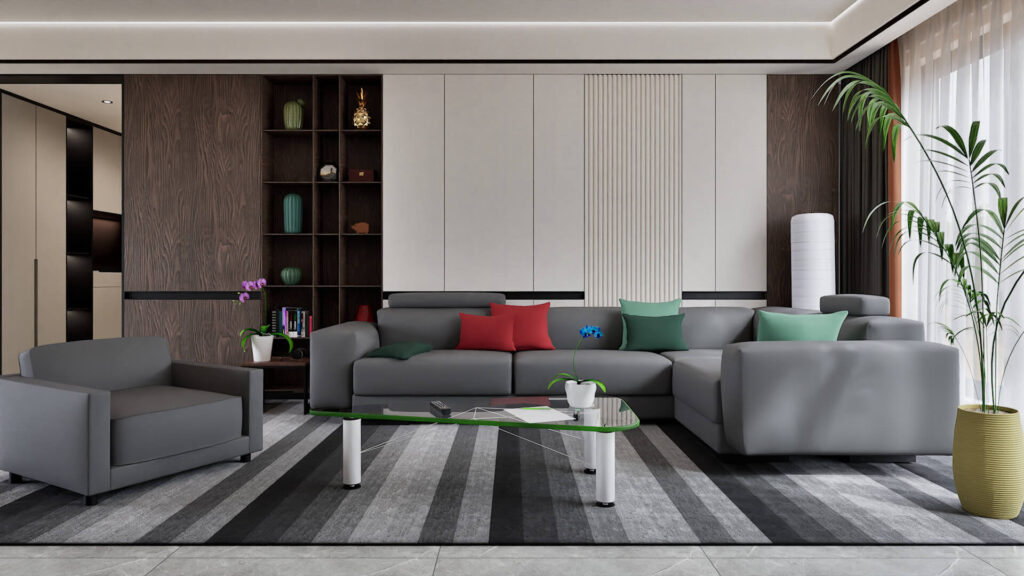
- STANDARD TWINMOTION ASSETS
When the default assets limit the result
- Generic assets make every scene look similar
- Missing assets slow down your workflow
- Manual imports require extra setup
- Repeated searches waste valuable time
- Limited variety reduces creative freedom
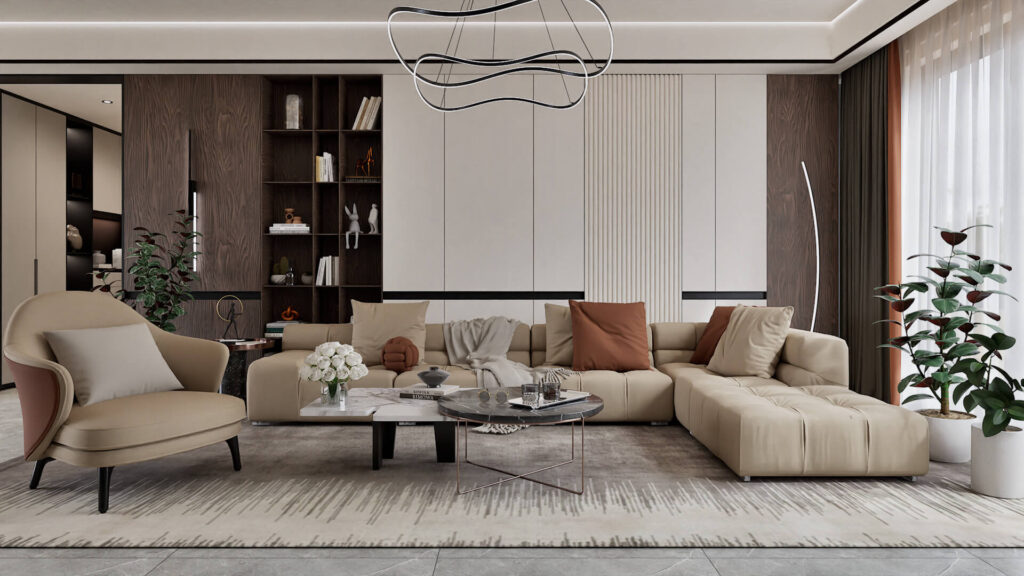
- TWINMOTION GURU LIBRARY
When the right asset is already available
- 3,000+ assets ready to use
- More realistic models and PBR materials
- Find assets without leaving Twinmotion
- Assets are organized and ready to use
- Build richer scenes in less time
Inside the library
Everything your Twinmotion projects need in one place
Models, materials, vegetation and presets ready to use whenever your project needs them.
200+ materials

Materials
Professional PBR materials, optimized and ready to apply.
500+ details
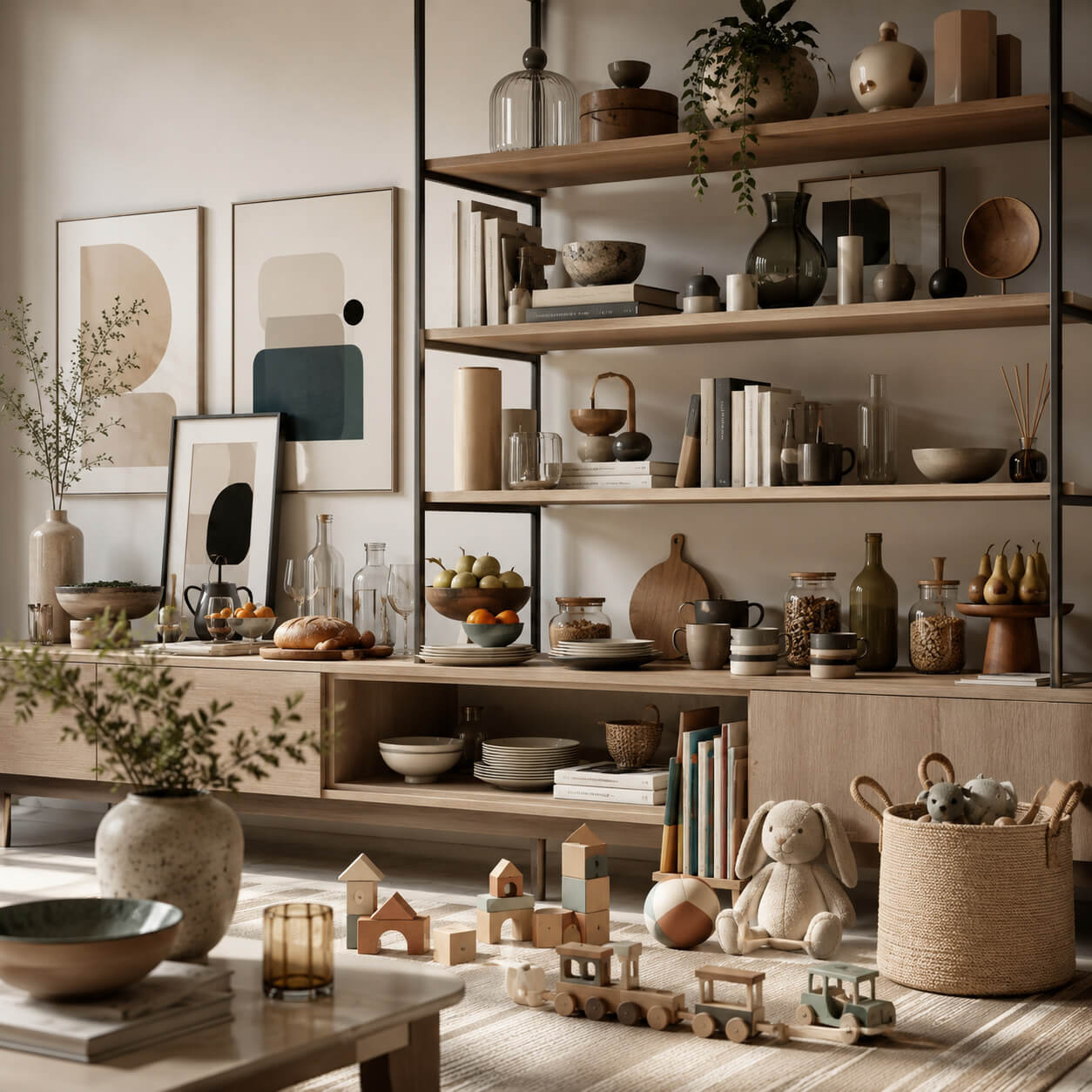
Interior Details
The small details that make every interior feel real and lived-in.
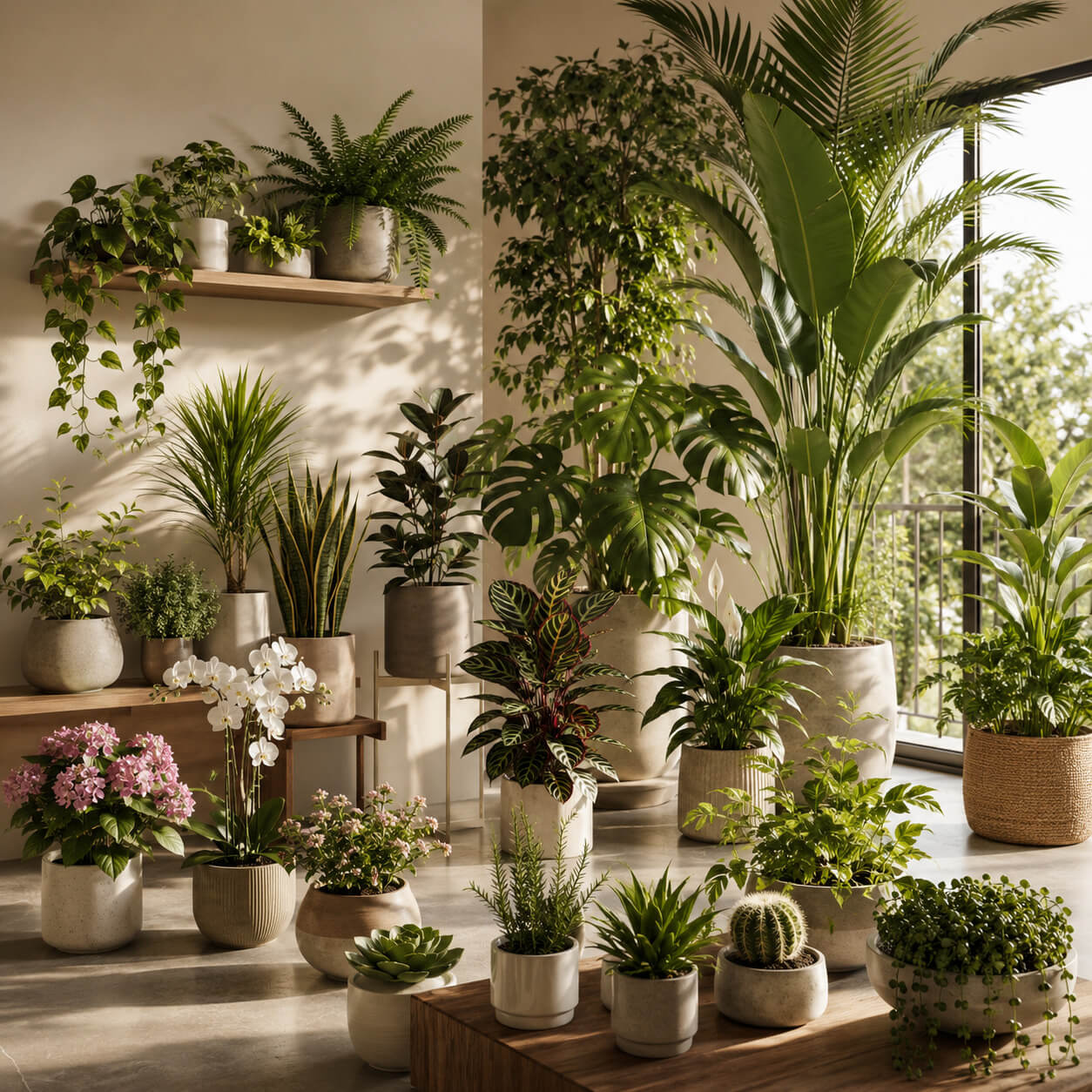
250+ plants
Plants and Planters
From small plants and flowers to large indoor and outdoor vegetation.

30+ presets
Enviroment Presets
Ready-made lighting and atmosphere setups designed to instantly transform the mood of your scene.

200+ outodoor furniture
Outdoor Furniture
Tables, seating, loungers, gazebos, and everything you need to furnish complete outdoor spaces
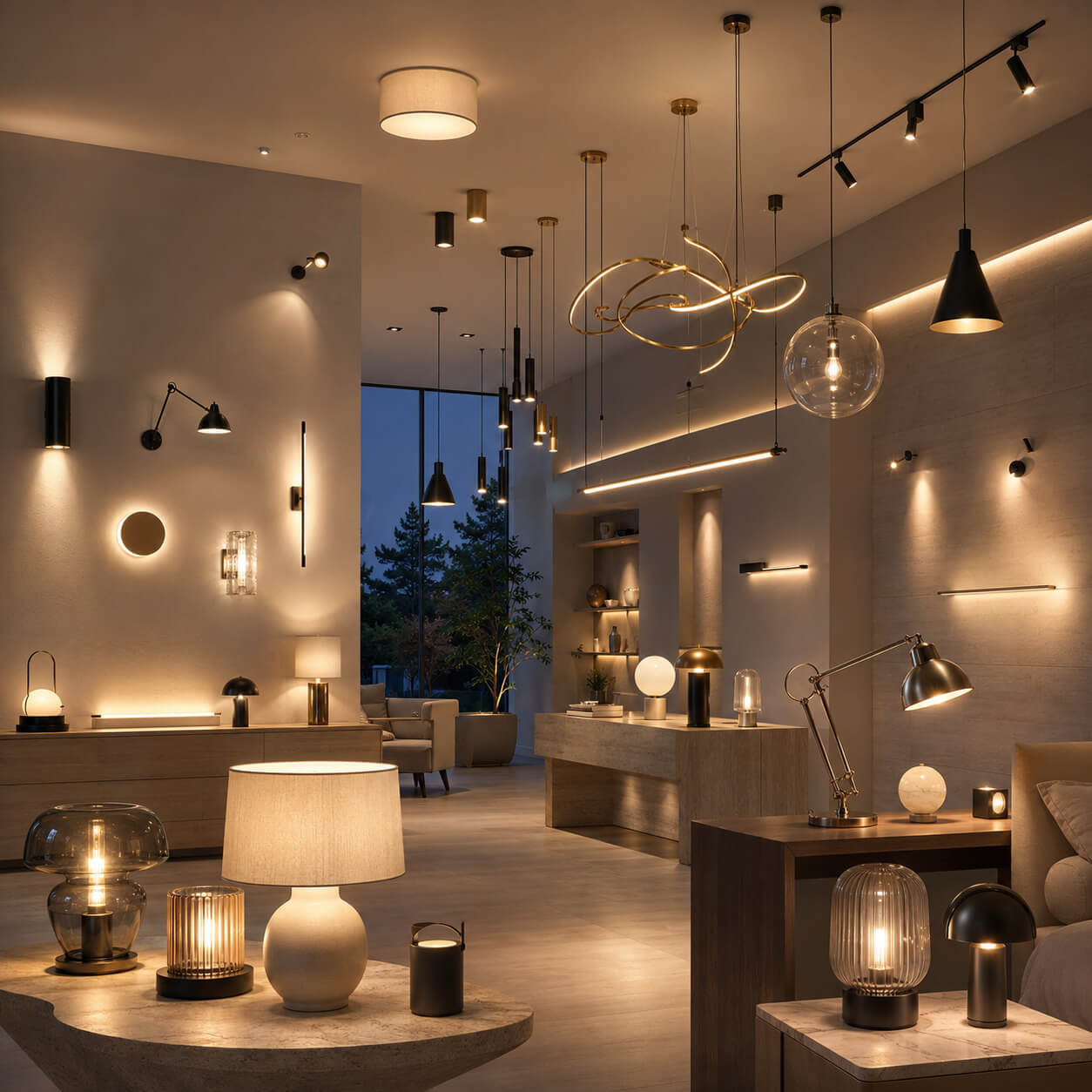
200+ LIGHTS
Lighting
Ceiling, wall, floor, and table lamps that add character, realism, and atmosphere to any interior.
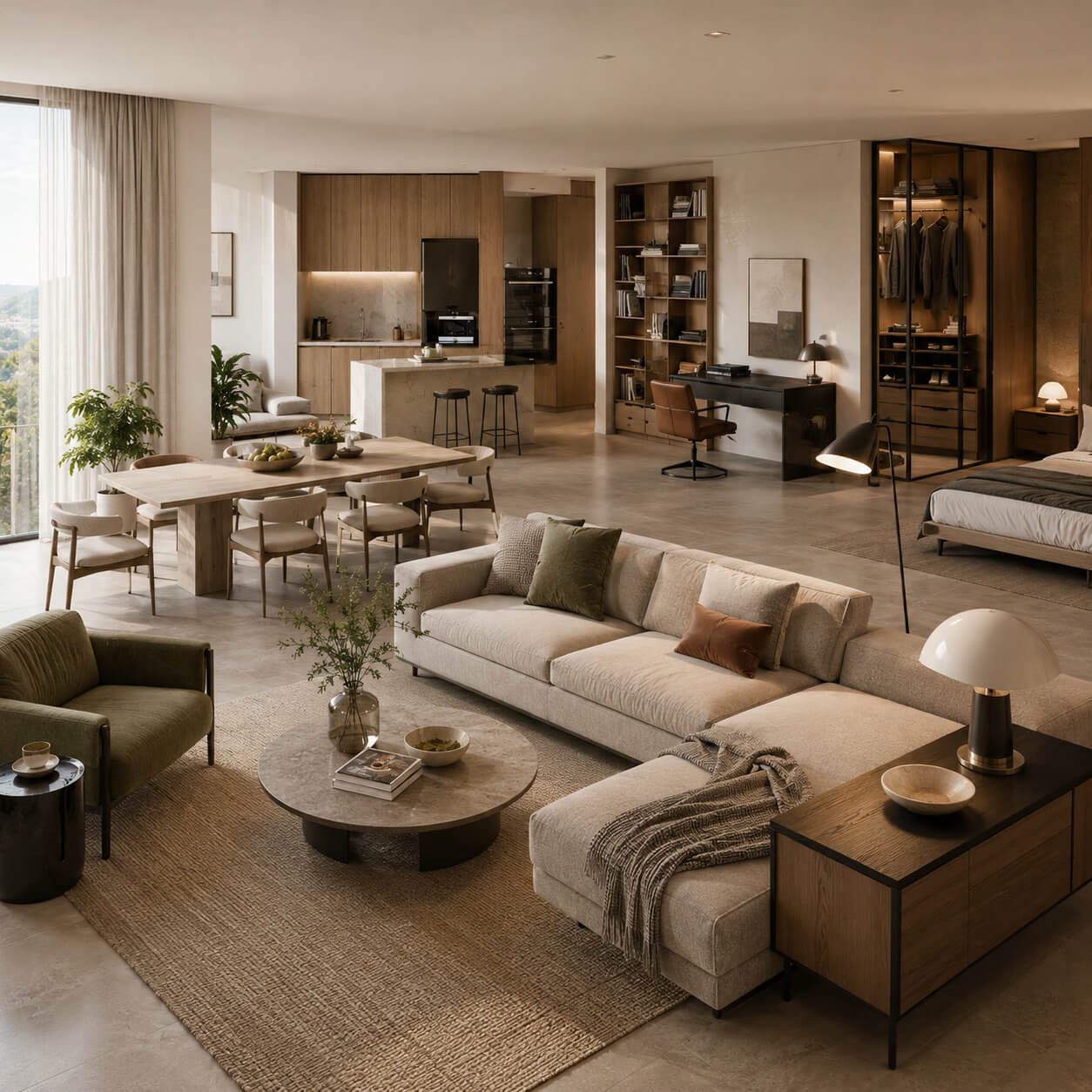
700+ interior FURNITURE
Interior Furniture
Furniture for every room, from seating and tables to beds, storage, and shelving.
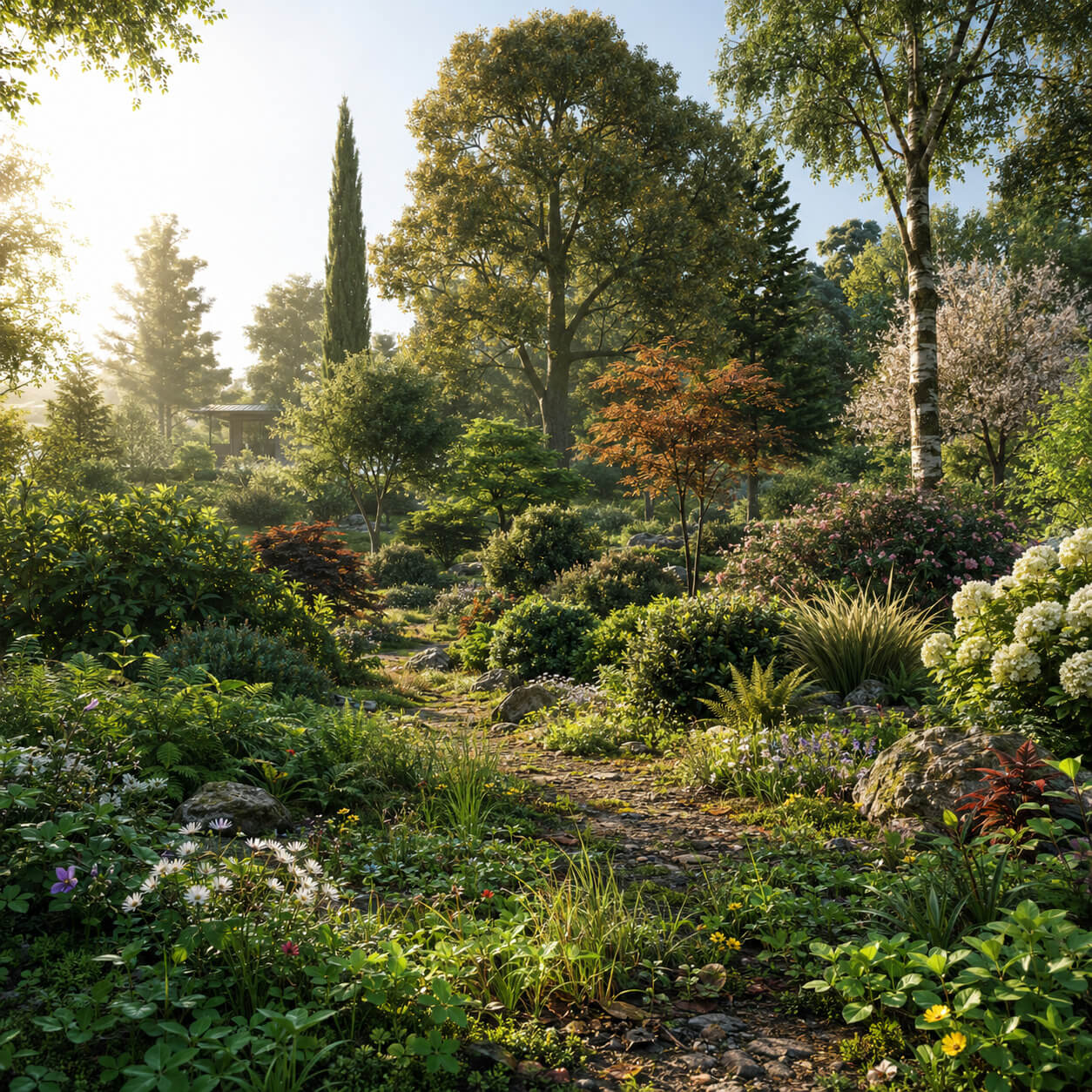
400+ VEGETATION assets
Vegetation
From low grass and shrubs to a wide variety of realistic trees.

50+ VEHICLES
Vehicles
A curated selection of high-quality vehicles for realistic architectural scenes.
Standard ASSETS vs Guru LIBRARY
SEE THE DIFFERENCE FOR YOURSELF
Drag the slider to compare Twinmotion’s standard content with the same scene enhanced using assets from the Twinmotion Guru Library.
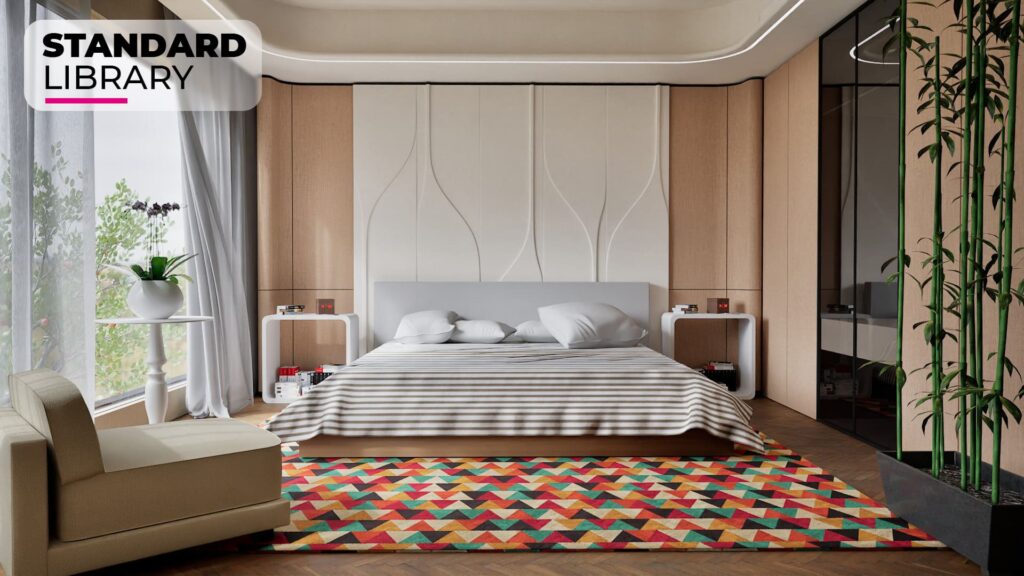
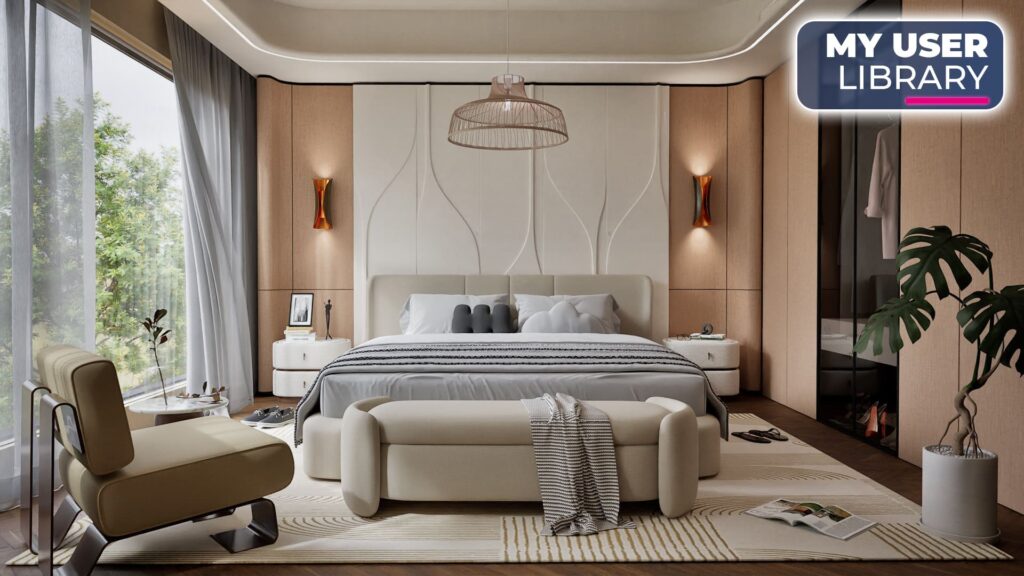
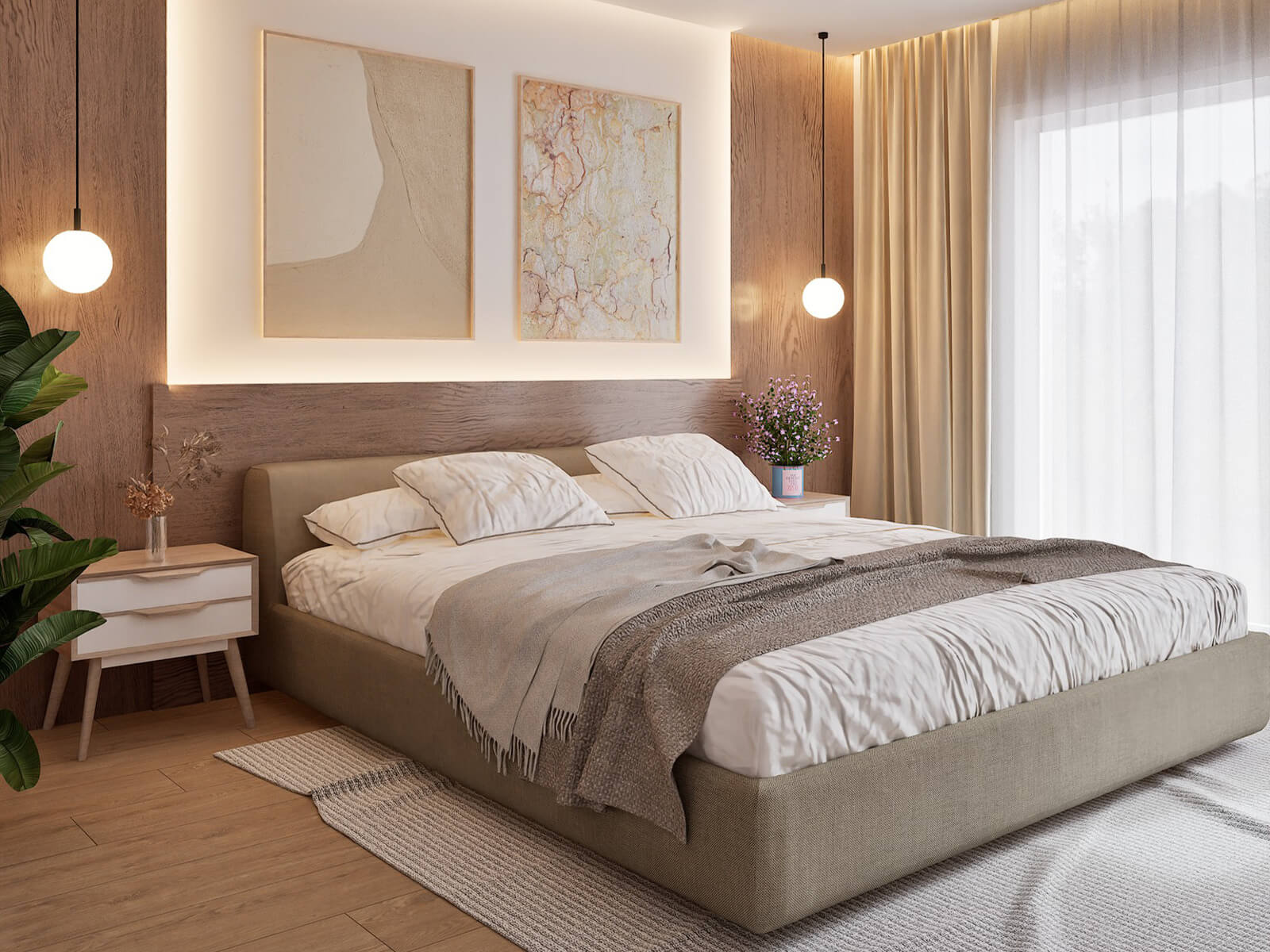
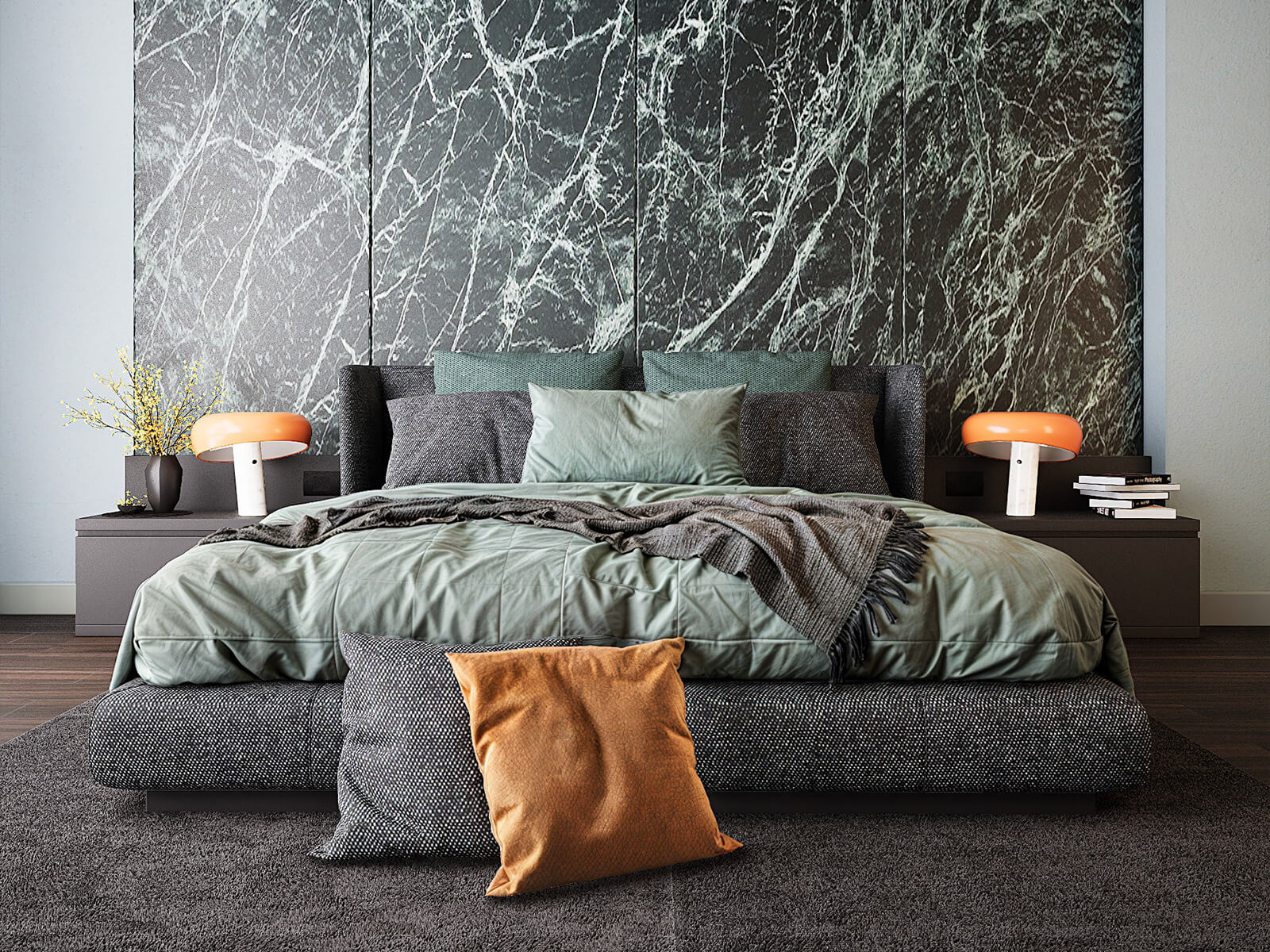
Refined Bedroom
The Twinmotion Guru Library adds carefully selected furniture, accessories, and decorative details that make the same room feel more complete, realistic, and distinctive.
- A wider variety of furniture
- Richer decorative details
- A more realistic, complete scene
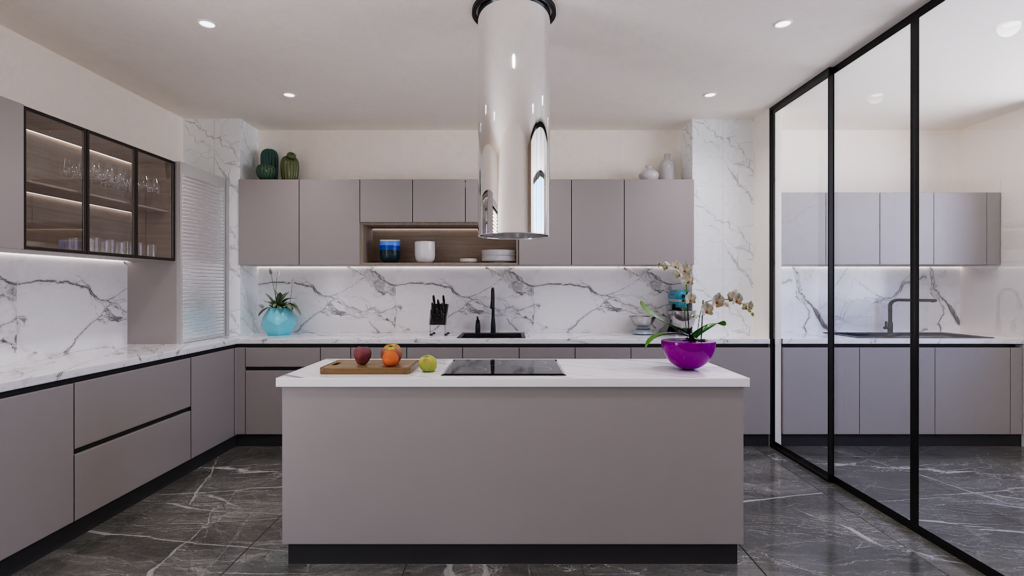
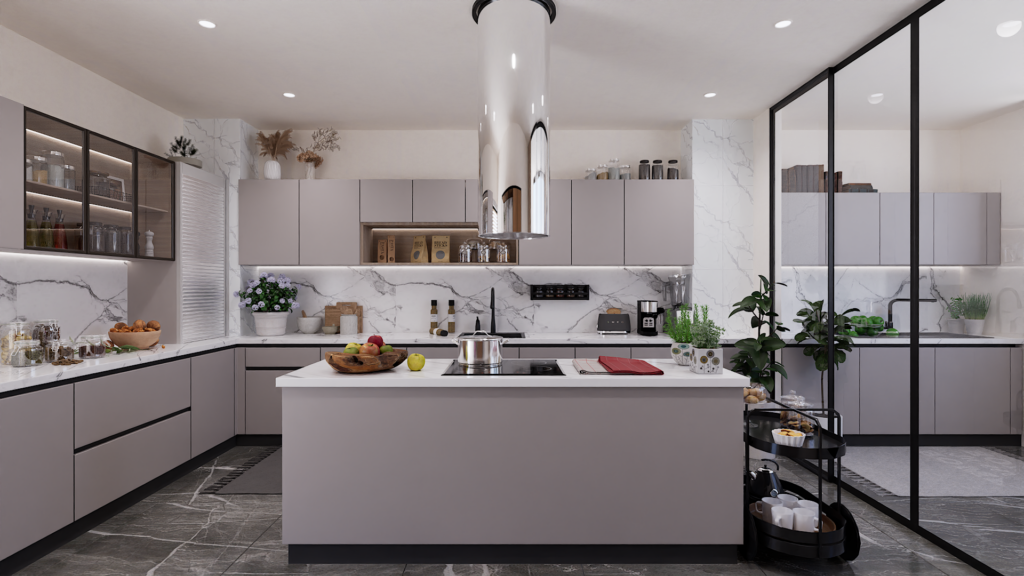
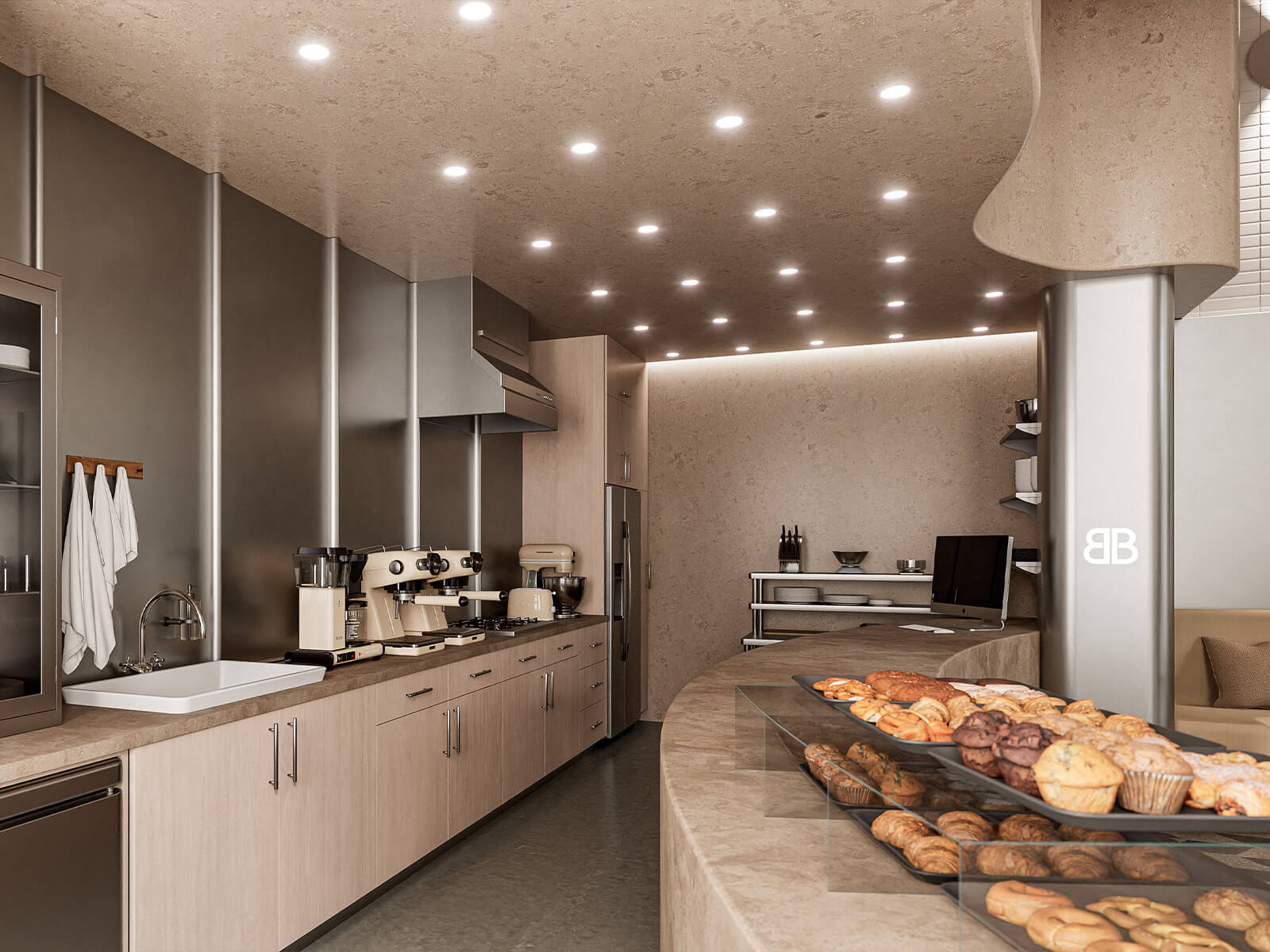
Everyday Kitchen Realism
Small appliances, cookware, ingredients, and tableware transform an empty-looking kitchen into a realistic, lived-in space filled with authentic everyday details.
- Real kitchen accessories
- More functional, lived-in details
- A natural, lived-in atmosphere
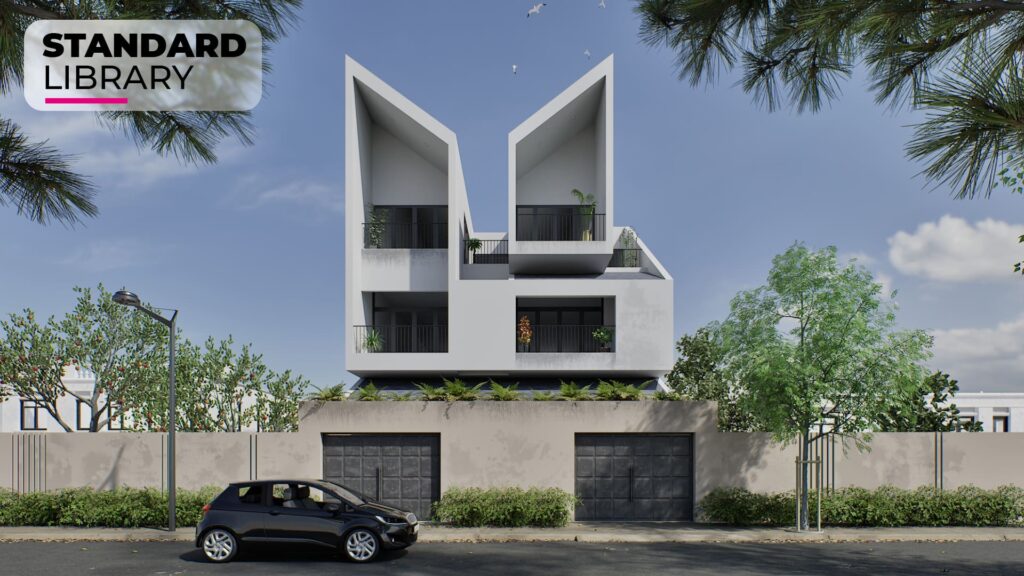
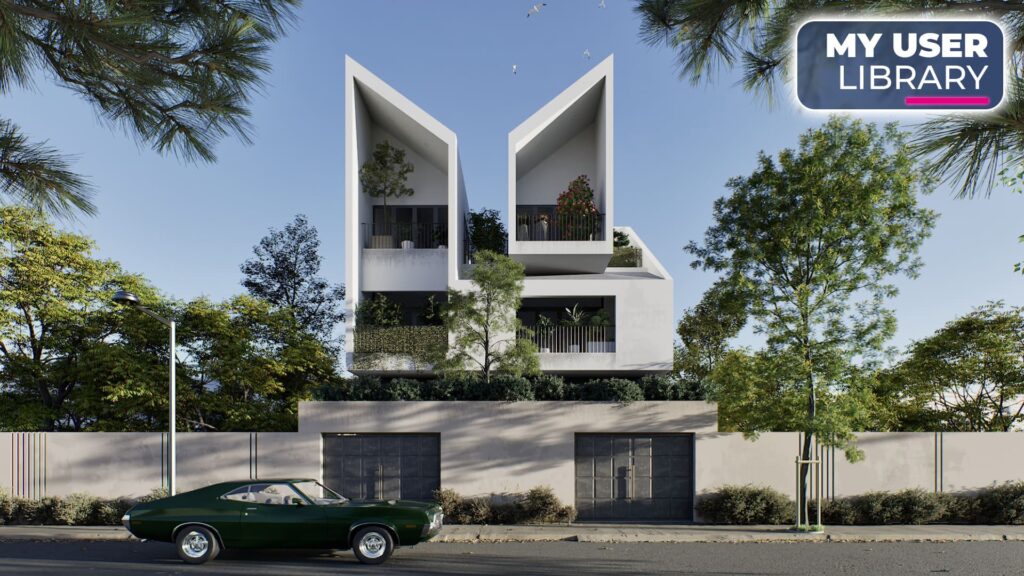
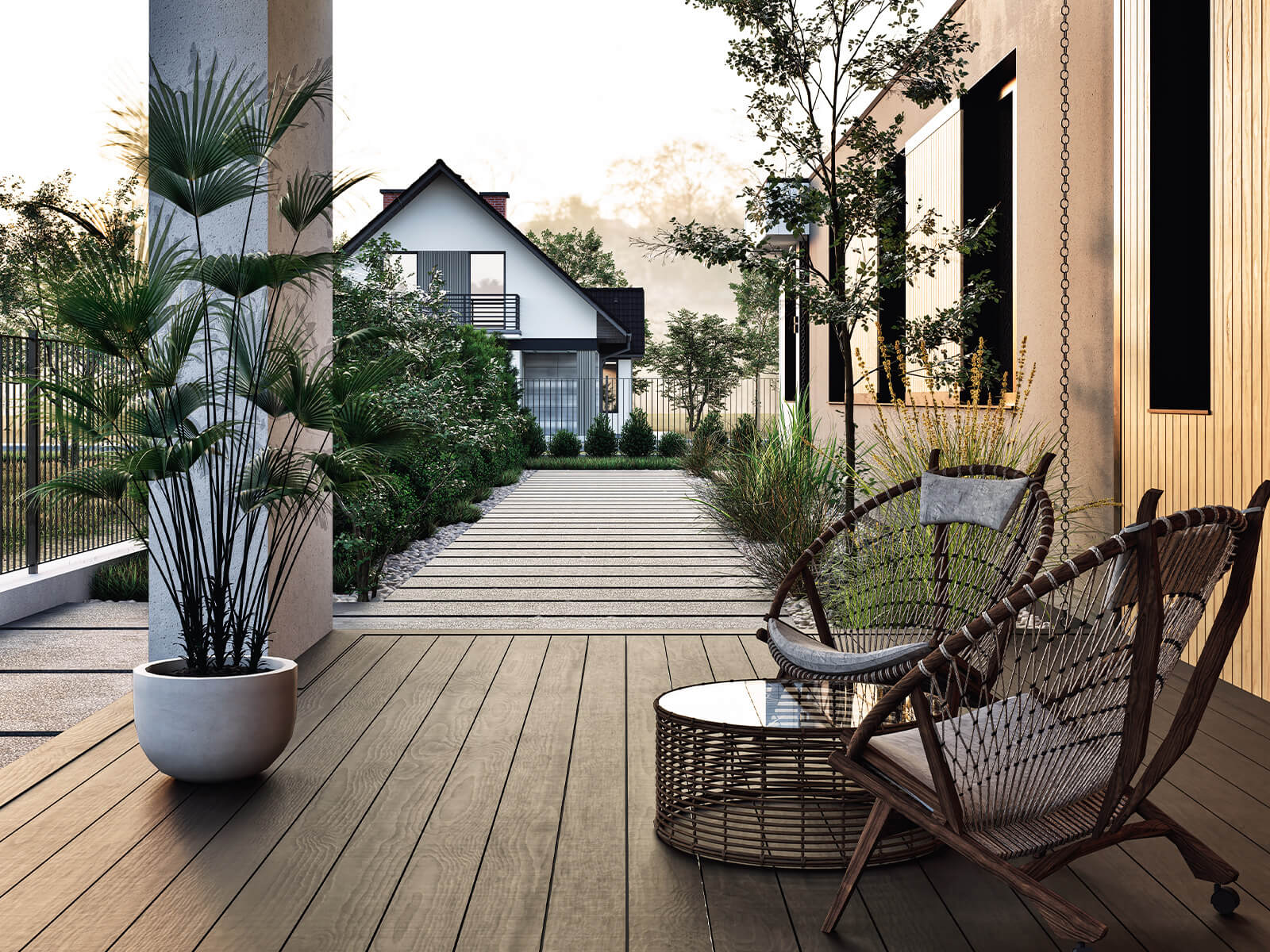
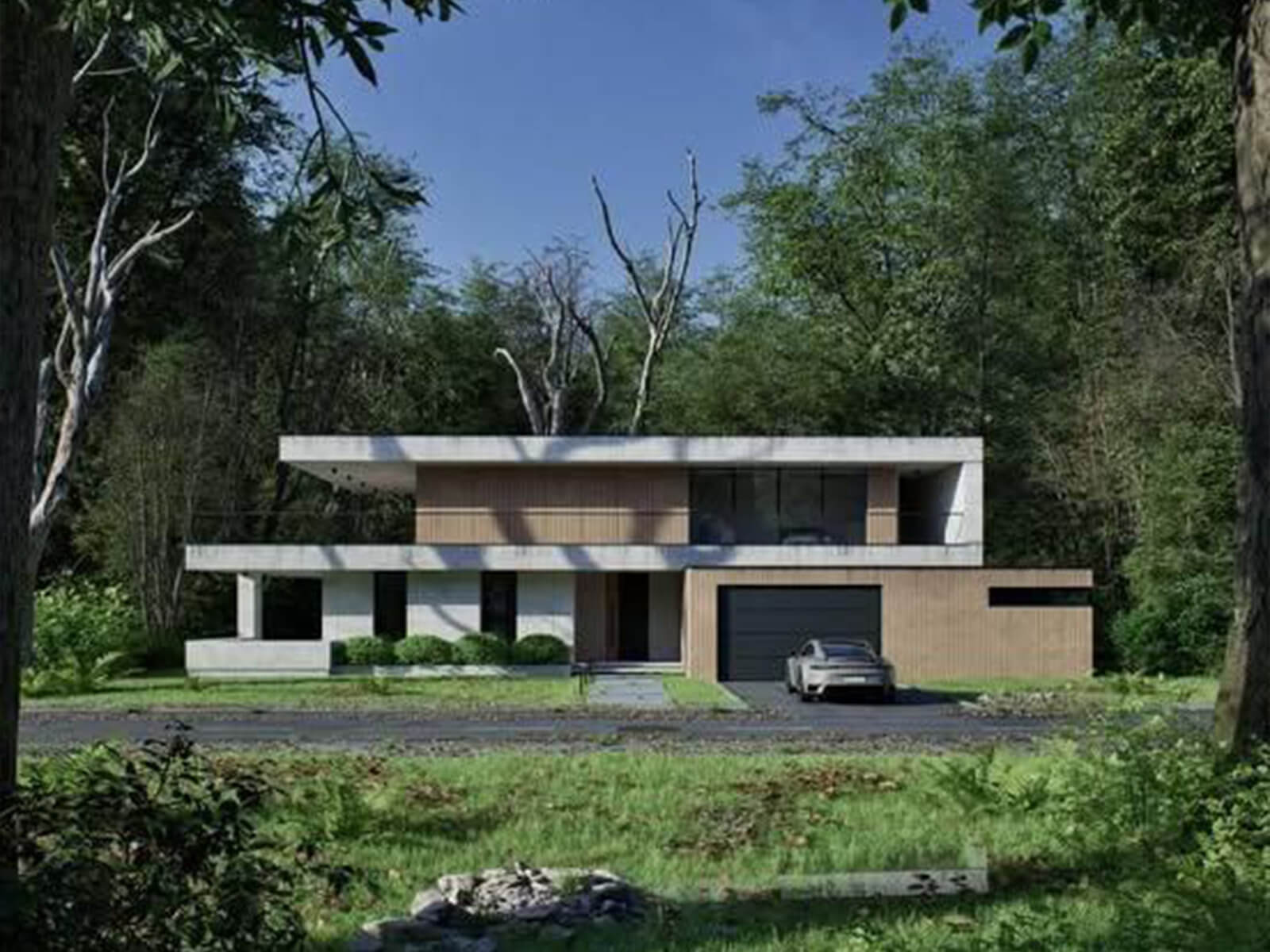
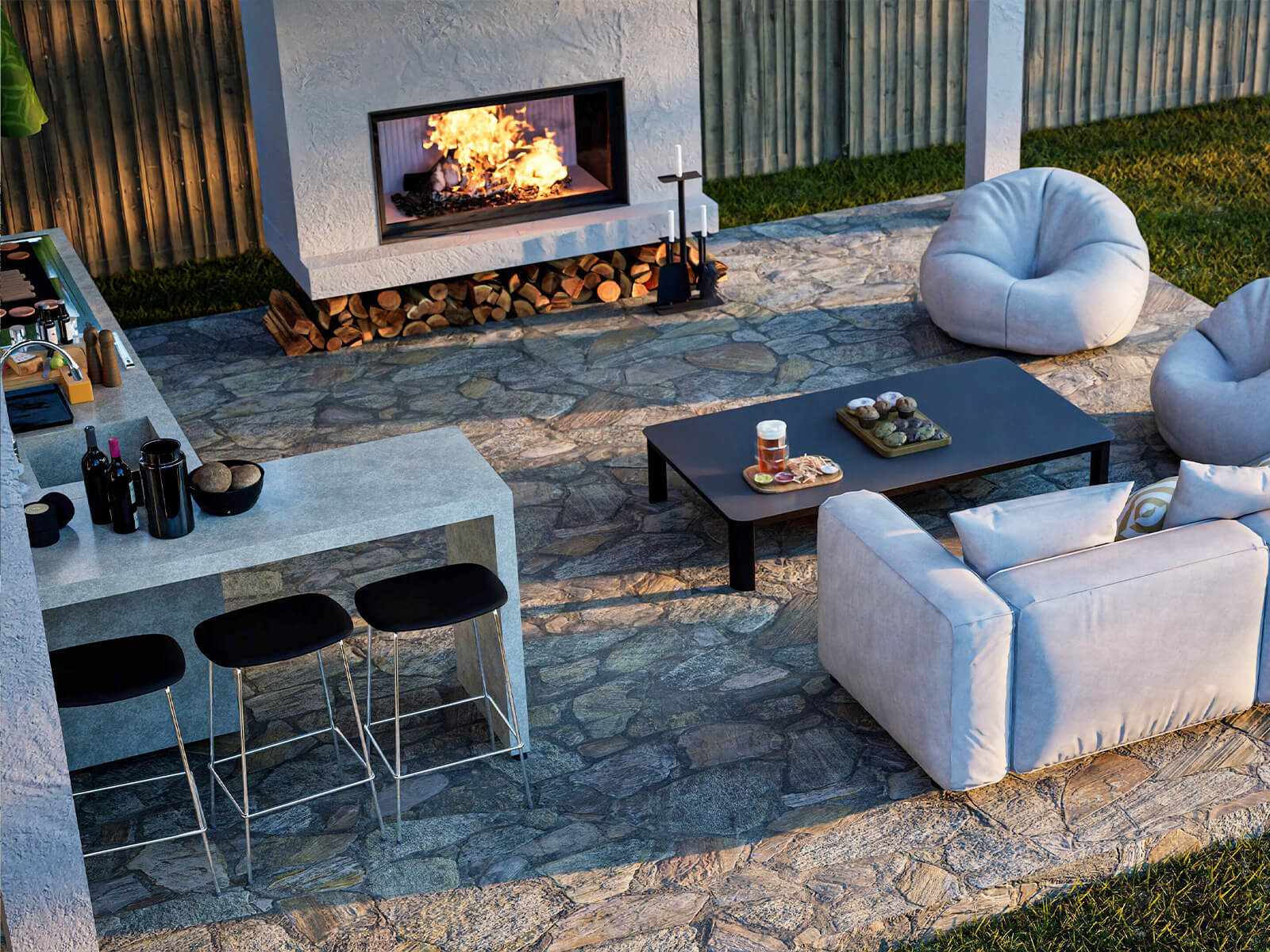
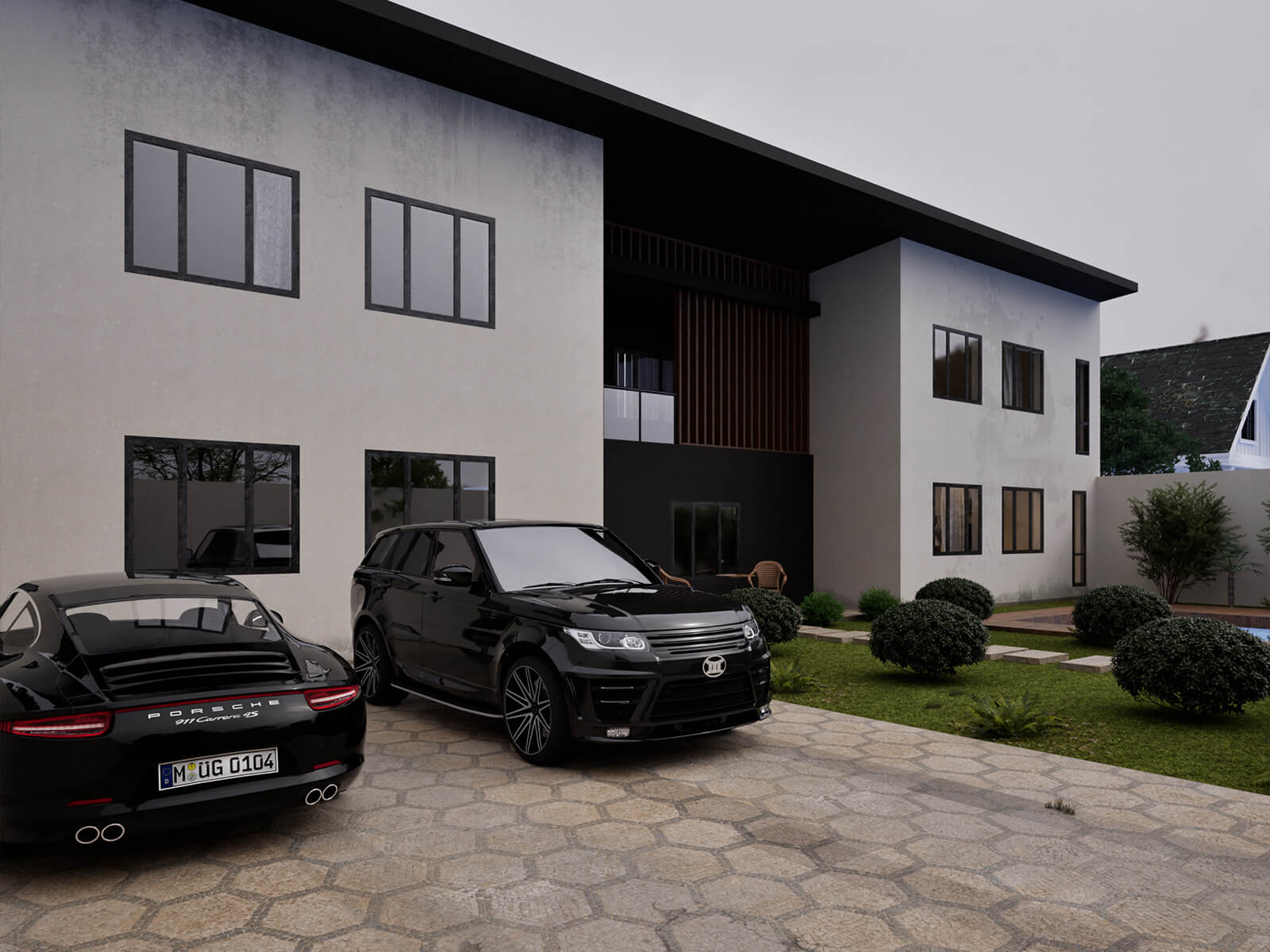
Richer Outdoor Context
A broader mix of trees, shrubs, landscaping plants, and vehicles gives the exterior greater depth, variety, and realism, helping the architecture blend naturally into its surroundings.
- Greater vegetation variety
- More depth and visual balance
- More realistic surroundings
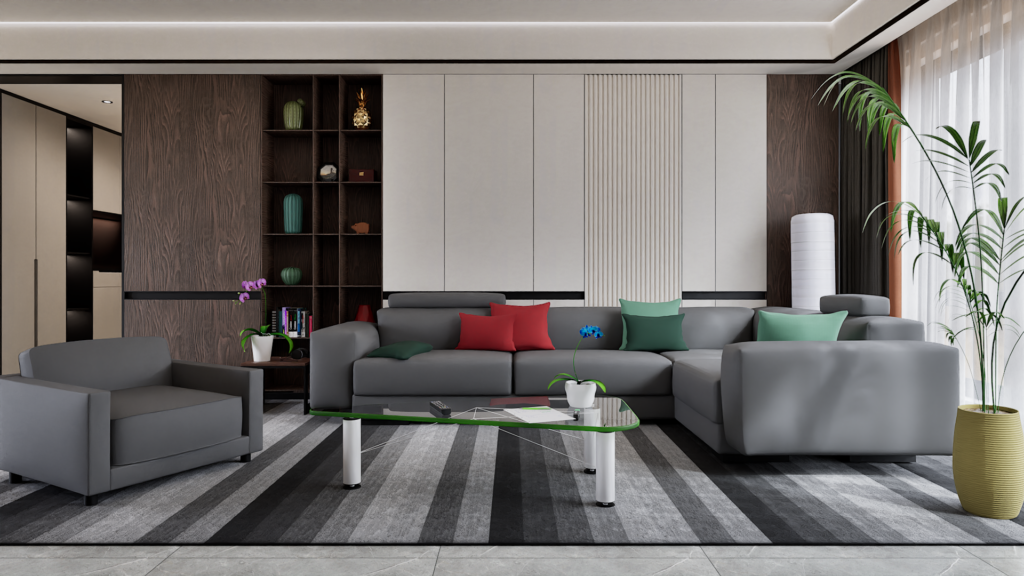
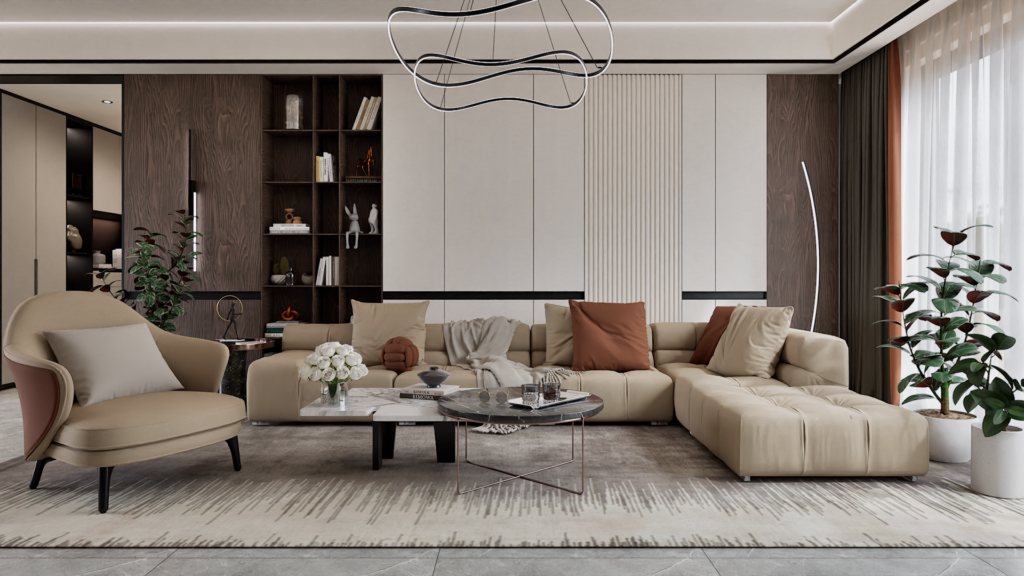
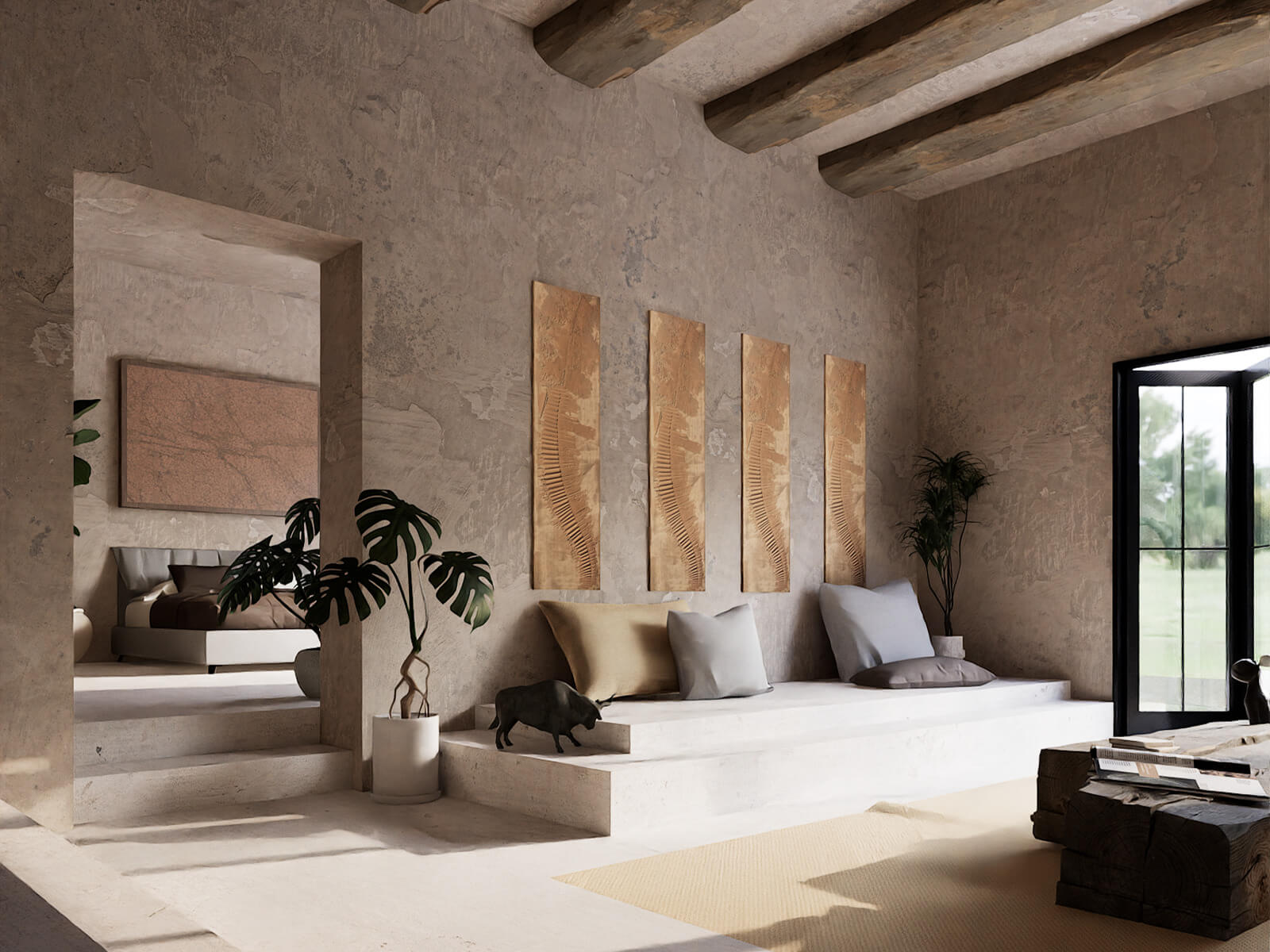
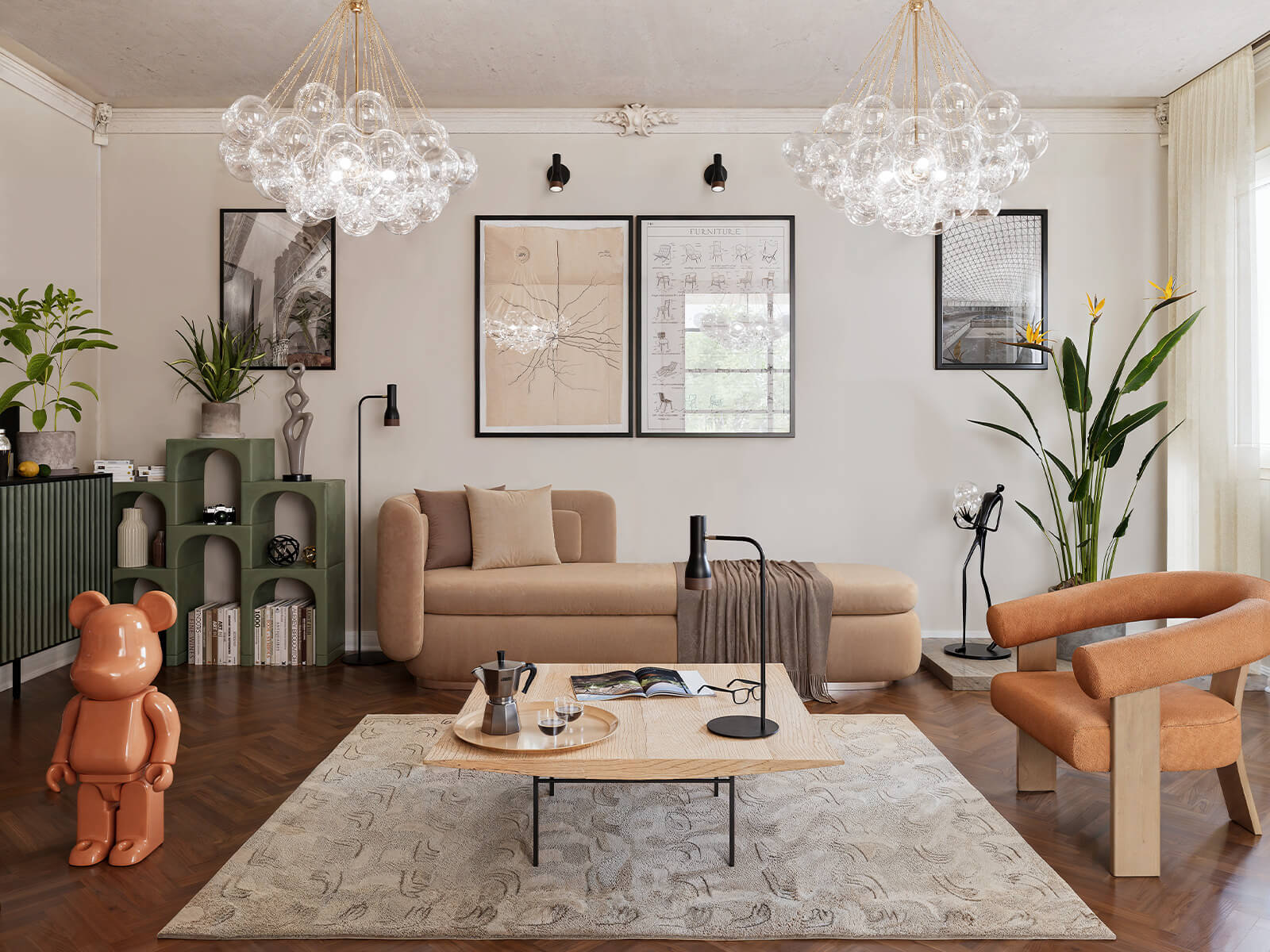
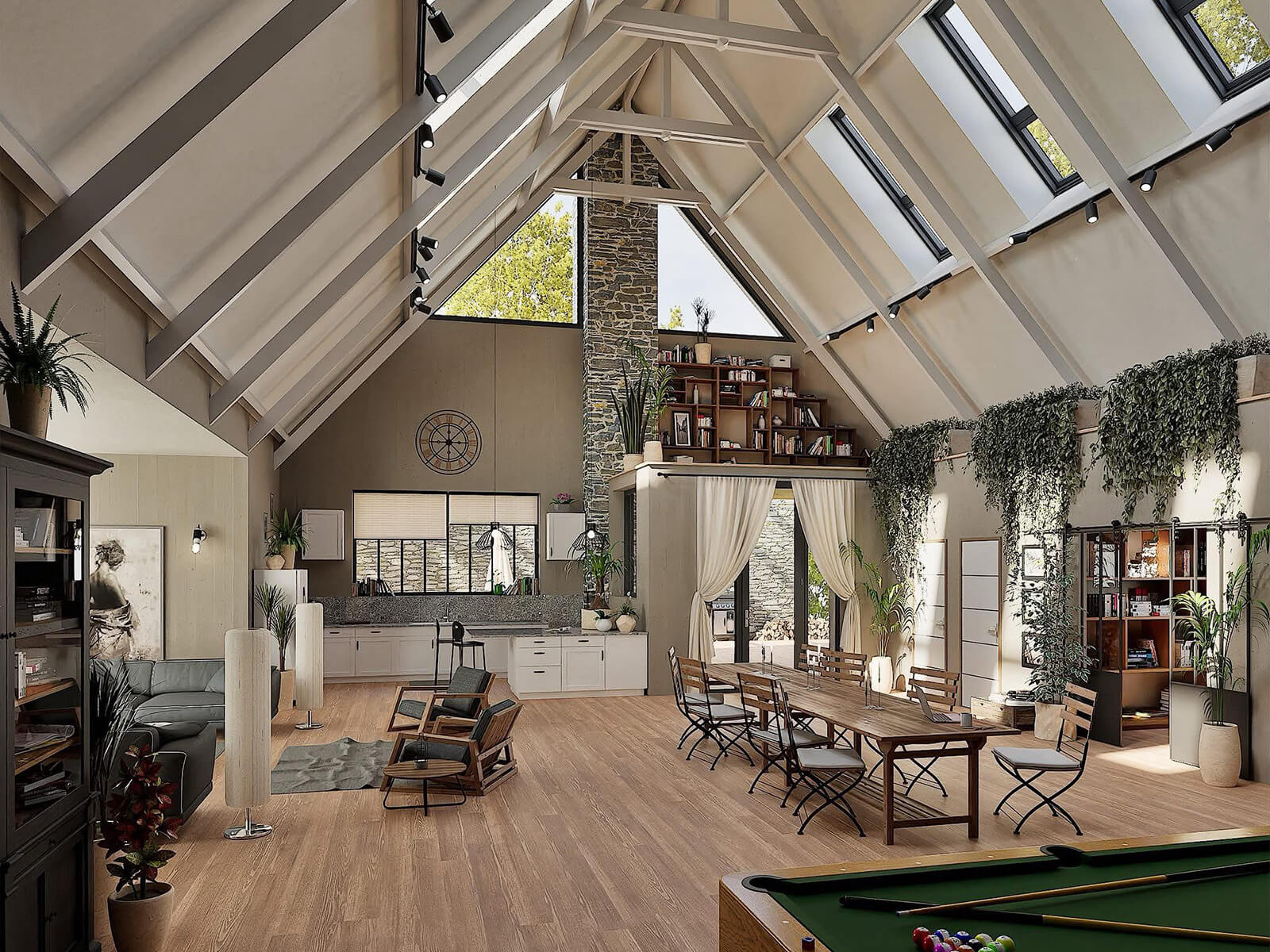
Richer Living Room Design
A wider selection of sofas, armchairs, tables, lighting fixtures, plants, and decorative objects gives the room more character, variety, and visual richness, without relying on generic assets.
- More distinctive seating options
- Richer tabletop details
- Statement lighting
WHAT USERS SAY
What Twinmotion users are saying
See how architects, designers, and visualizers are using the Library to save time, improve their workflows, and create richer Twinmotion projects.
My Library. Your Renders


WHY CHOOSE THE TWINMOTION GURU LIBRARY
Everything you need, ready when you need it
READY TO USE
Skip the search, download and import process. Every asset is already prepared for immediate use inside Twinmotion.
ORGANIZED BY CATEGORY
Models, materials, vegetation and presets are clearly organized, so you can quickly find what your project needs.
FULLY EDITABLE
Adjust materials, scale, position and other properties to make every asset fit naturally into your project.
COMPLETE PBR MATERIALS
Materials include their required texture maps already assigned and are ready to apply to your surfaces
OPTIMIZED 3D MODELS
Assets are checked, prepared and optimized for Twinmotion, with most compatible models already converted to Nanite.
CONTINUOUSLY GROWING
Access 20–50 new assets every week, included in your active subscription at no additional cost.
Meet the maker
Built by Lorenzo, the Twinmotion Guru
I’m Lorenzo, known online as Twinmotion Guru. After years of working with Twinmotion, creating tutorials and helping thousands of users improve their renders, I built the library I always wished I had: a reliable collection of assets ready whenever a project needs them.
Why this library is different
BUILT FROM REAL EXPERIENCE
Every asset comes from a real need: something I used in my own projects, featured in a tutorial, needed during my work or saw repeatedly requested by the Twinmotion community.
SELECTED FOR A REASON
This is not a random collection created to inflate the asset count. Each model, material and preset was chosen because it fills a genuine gap, improves a scene or makes the workflow faster.
YEARS OF WORK, READY FOR YOU
The library brings together years of searching, testing, importing, adjusting, optimizing and organizing assets, so you can benefit from that work without having to repeat it yourself.

17.000+
10.000+
500+

Simple pricing
Get the whole library. Keep it growing
Choose the plan that suits you and get immediate access to the entire library, including every new asset added during your subscription.
Monthly
€14,89/month
Billed monthly · cancel anytime
Join now and get access to:
- Full access to 3.000+ assets
- 20–50 new assets added every week
- Guided installation tutorial included
- Maximum flexibility — cancel anytime
No long-term commitment. Cancel anytime.
Best value
Annual
€139,79/year
Just €11,65/month · save 22% vs monthly
Join now and get access to:
- Full access to 3.000+ assets
- 20–50 new assets added every week
- Guided installation tutorial included
- Lock in today's price for 12 months
The best price for 12 months of full access.
Frequently Asked Questions
Questions? I'm glad you asked
Your subscription gives you full access to the complete Twinmotion Guru User Library, including more than 3,000 ready-to-use assets. You will also receive every new model, material, plant and preset added each week while your subscription remains active.
Yes. You can use the assets in both personal and commercial Twinmotion projects, including visualizations, client work, presentations and paid commissions. The only restriction is that the original asset files cannot be resold or redistributed as standalone products.
The library is downloaded and stored locally on your computer, so cancelling does not remove the assets you already downloaded. You can continue using them in future projects. To access new weekly additions, you will need to subscribe again.
Yes. All assets are fully editable inside Twinmotion. You can change materials, textures, colors, scale, position and any other available properties, allowing each model or material to be adapted naturally to the specific needs of your project.
For full compatibility with every asset, using the latest version of Twinmotion is recommended. However, I began saving assets from version 2024.1, so many of them can already be used with that version and later releases, depending on their individual features.
After subscribing, you will receive a clear step-by-step video tutorial explaining how to download the files, install the User Library in the correct Twinmotion folder and start using the assets. No advanced technical knowledge is required.
Questions before you subscribe?
Reach out on WhatsApp or by email — happy to help.